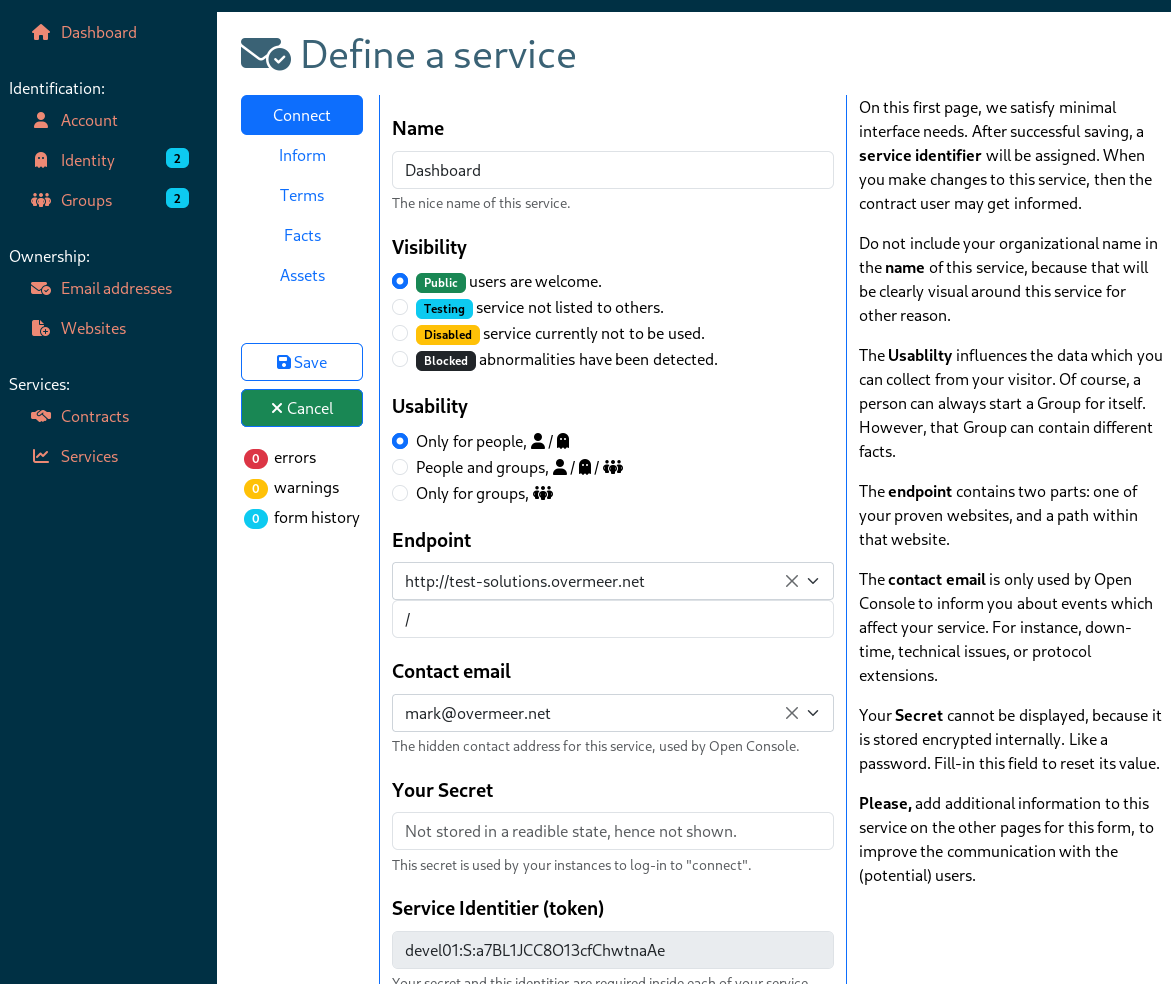
Be aware that the images may look a bit different than actually presented on the real website, due to changes and your personal configuration. In below images, the page icon is wrong.
Read the dashboard list documentation how to manage the service list.
You can only create services for one of your groups: be prepared that you have to hand-over the service to someone else later.
When you click on " Service" you will see which services are already configured.
To enable users to come to your services via the Open Console infrastructure, you need to configure two codes on each of your servers: the service identifier as provided by Open Console, and a secret token provided by you. When your application starts, it will login to Open Console's "connect" server with these two tokens, to collect a session token. That session token will get used for a while.
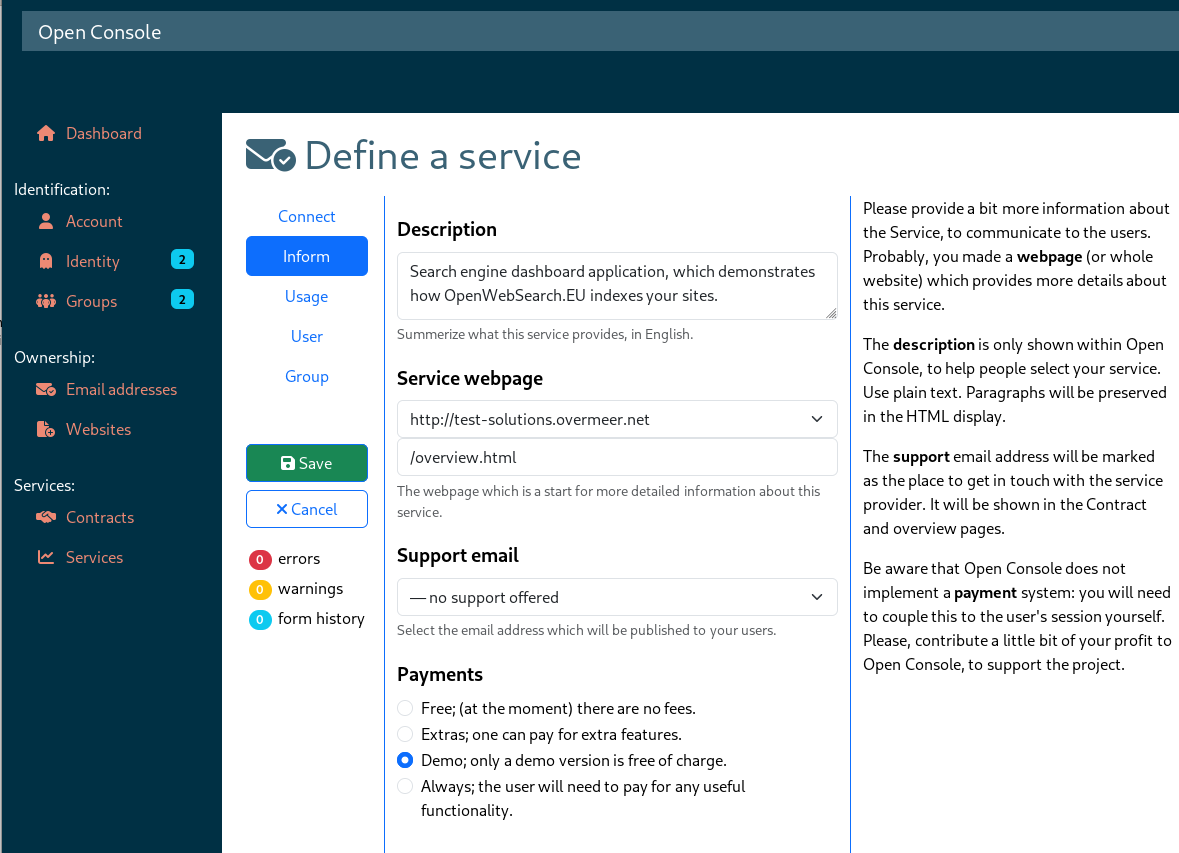
The service webpage and the support email address must be proven to be owned by the group which owns this service.
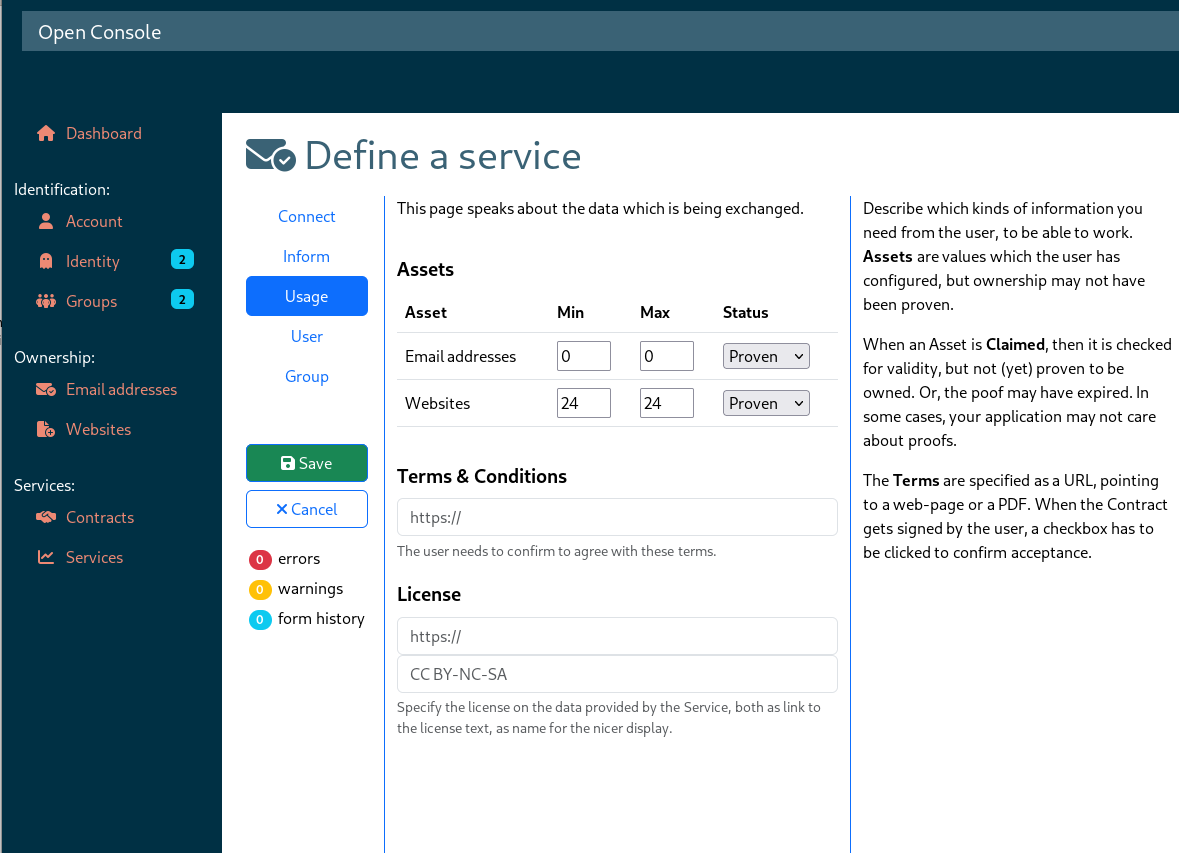
This page shows which proofs and assets the service would like to receive from you to work with. Besides, it specifies the documents to agree on to gain access to the data.
The service may also require some personal data from the visitor. Also provider of the service, you can specify: No (I am not interested), Optional (might be useful), Please (my service gets improved by it), and Required (I will not offer the service without this data).
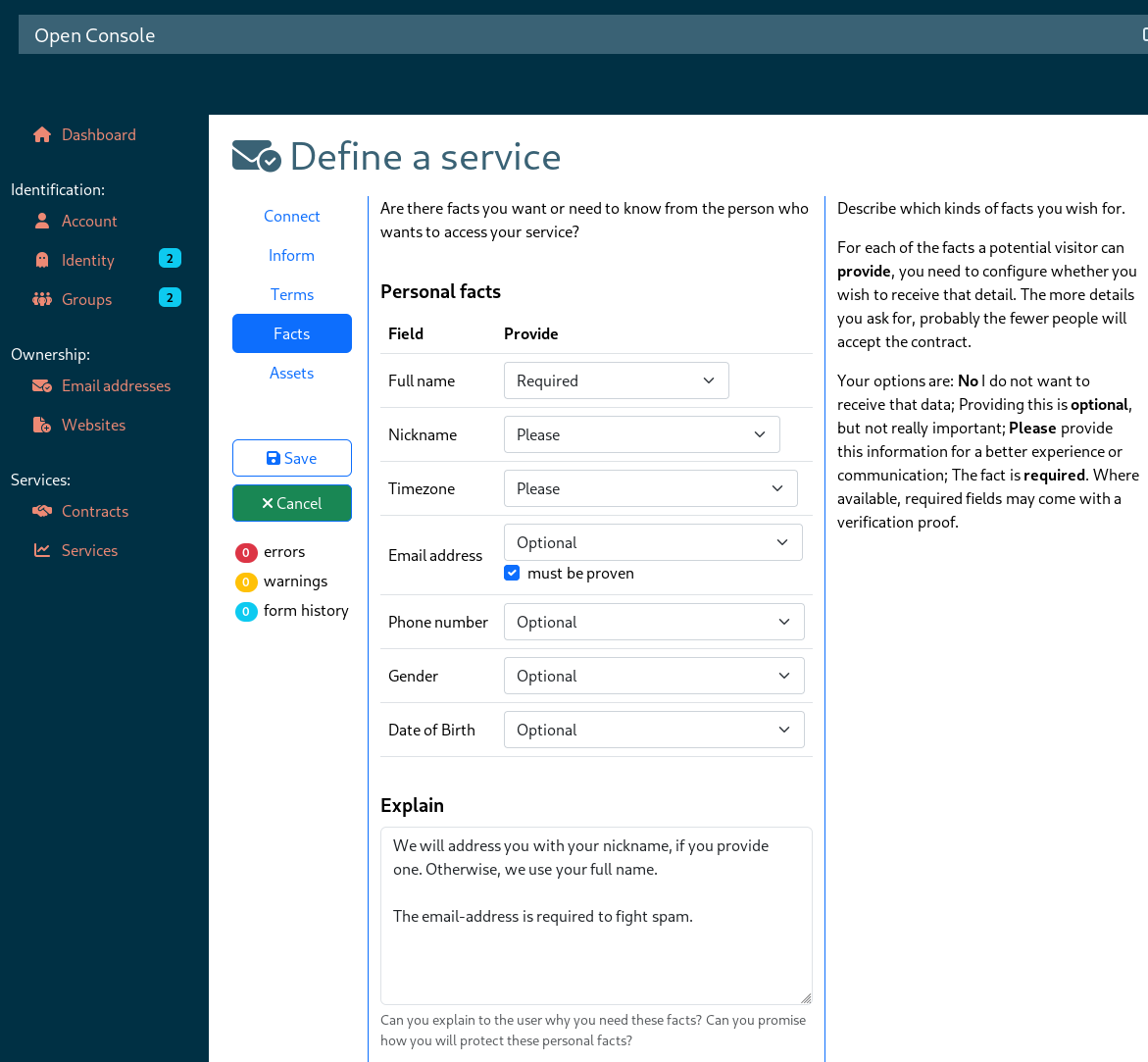
A similar page exists about Group information (when the service is provided to groups)