Register your Account
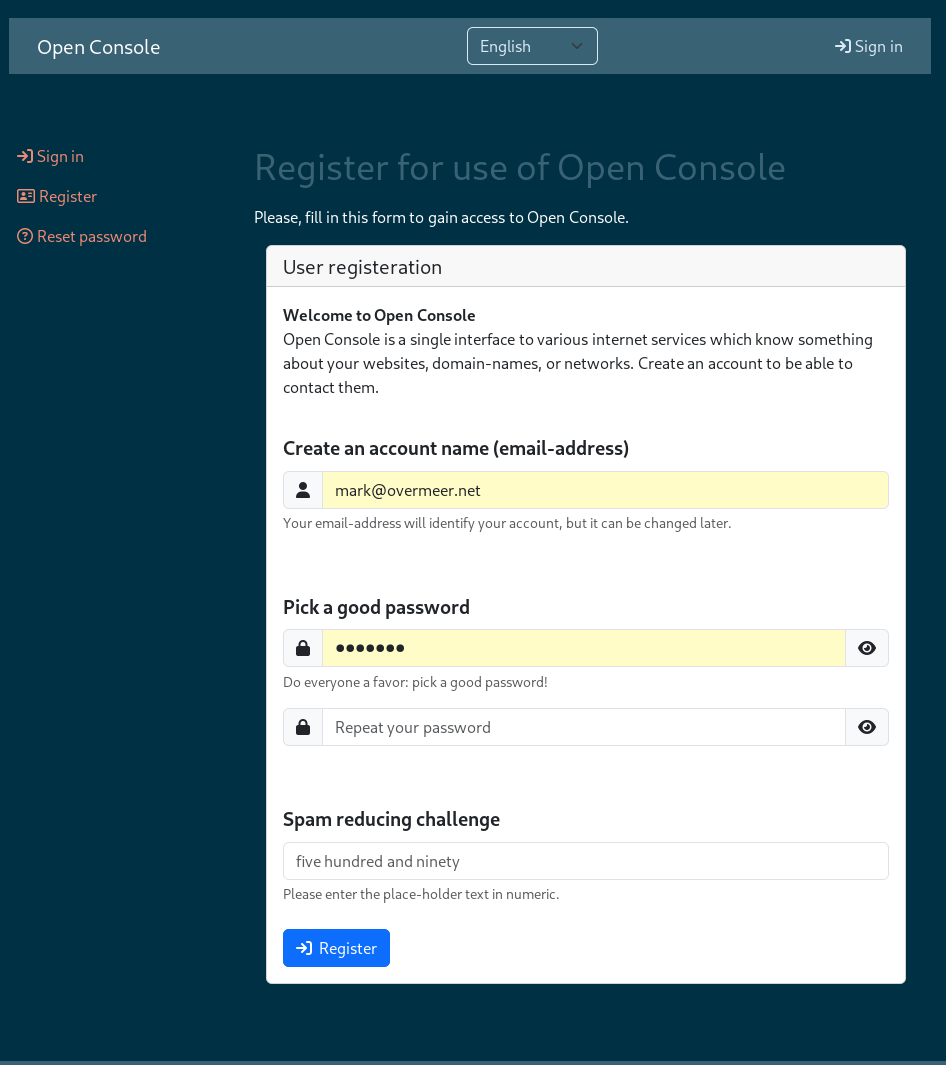 |
Starting from the frontpage, select "try Open Console" to create an account. You'll see something which resembles what is shown on the left. Make no mistakes in your email address. Your emails is used as login address, but will not be sent to services until you have proven it is yours. As this account offers access to all your services, pick a good password! This will be your only password to remember: make it hard. A good practice is to use three of four totally independent dictionary words with minor writing changes. This is easy to remember and long enough to frustrate brute force attacks. |
Sign-In / Log-in
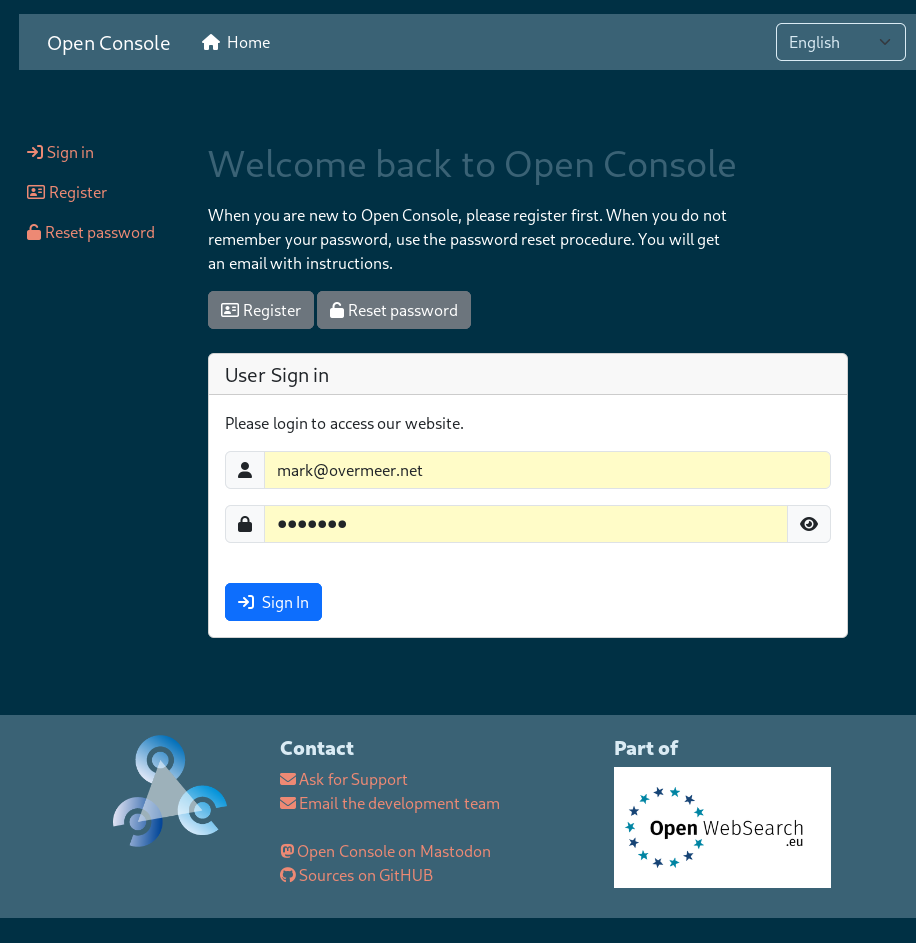 |
After a (re)start of your web-browser, you will need to provide your password once. From then on, all applications which support Open Console can be used without additional passwords. Sign-In or Log-In are equivalent terms for the same action: to get authorization to access to something. |
Reset your password
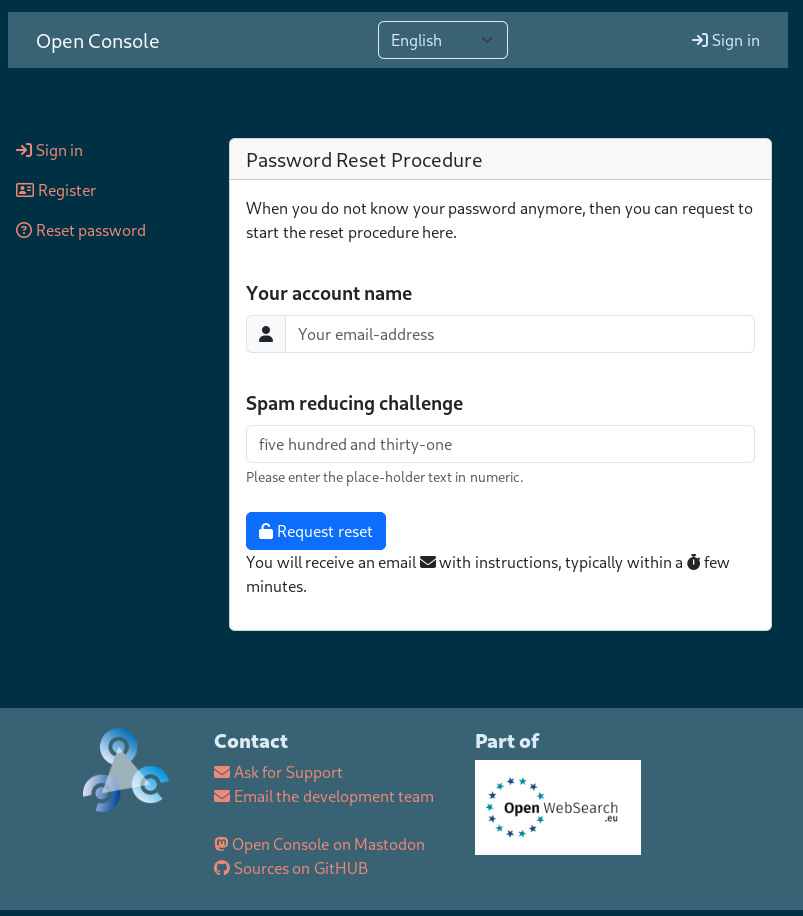 |
When you cannot remember your password, you can try to get it back via the reset procedure. Starting from the frontpage, select "try Open Console" and choose "Reset password" in the left column. Is option is also available on the Sign-in page. 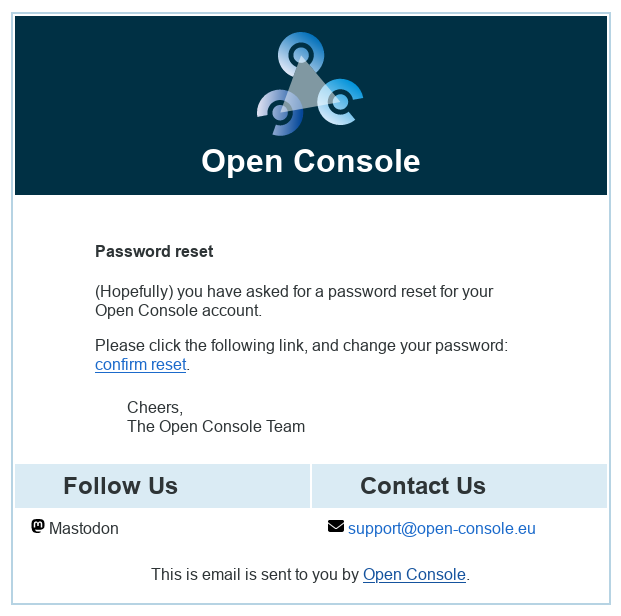
You will receive a mail like this: |