Be aware that the images may look a bit different than actually presented on the real website, due to changes and your personal configuration.
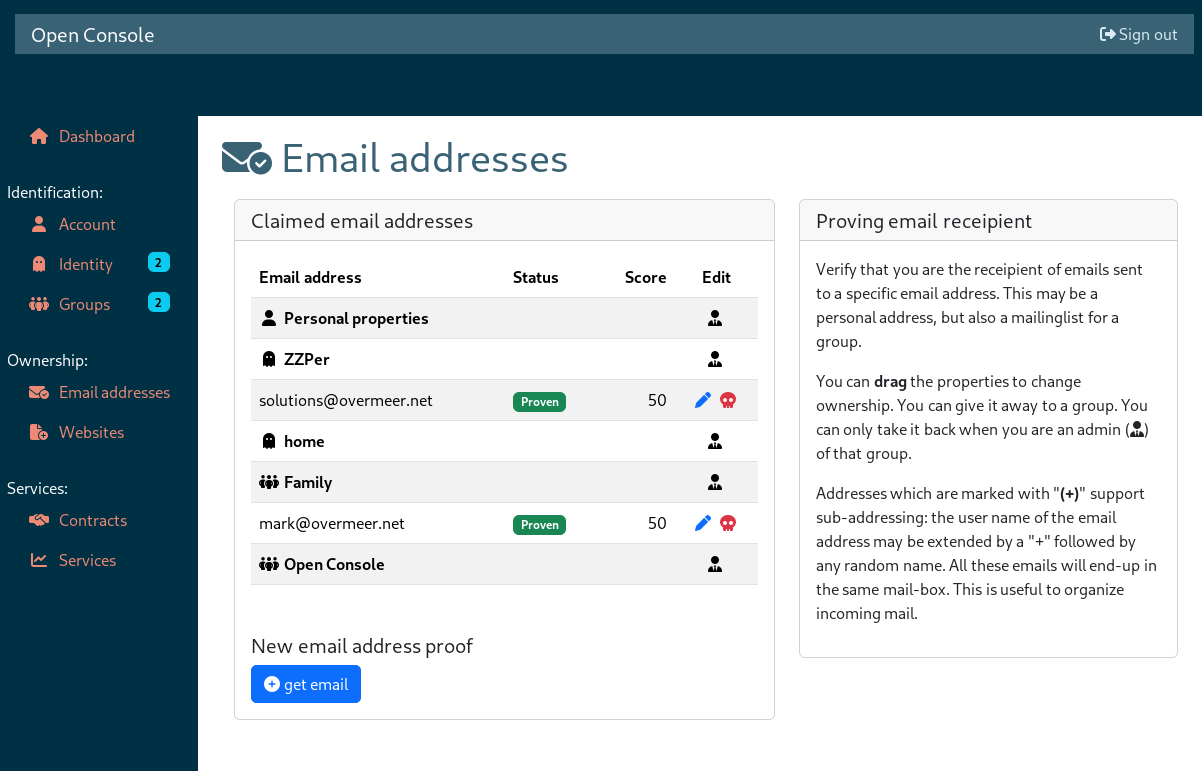
When you click on " Email address" you will see which items have been configured as email address proofs.
Read the dashboard list documentation for the generic use of this list.
At the moment, there is only one proof algorithm implemented, which is initiated with the "get email" button.
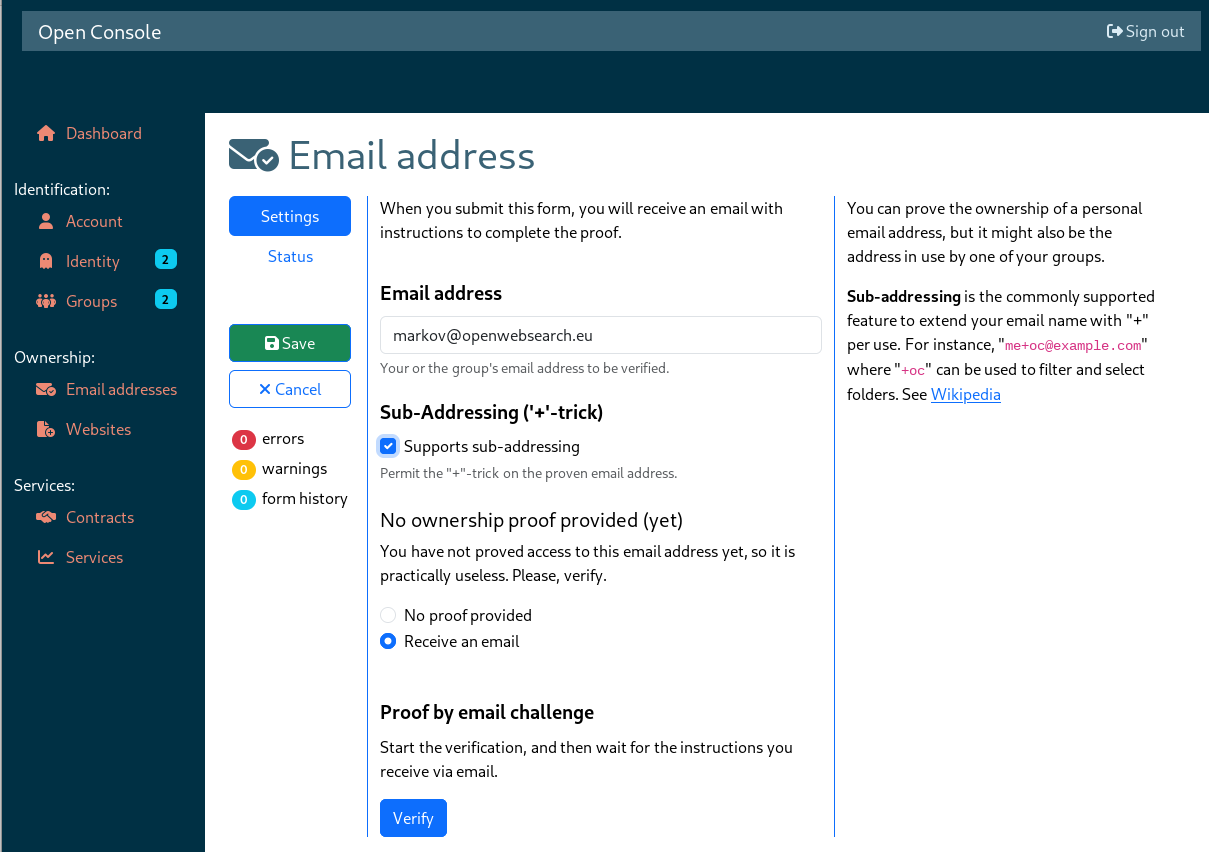
When you "Save" this email address without "Verify", then you get an email address without proof. This is probably not acceptable for any service, but the initial state of your account's email address.
Click on "Verify" to start the verification process. An email with instructions is sent to the specified email address. The progress is shown in the "Status" tab and on the overview page. The tabs and overview page are not automatically refreshed.