Be aware that the images may look a bit different than actually presented on the real website, due to changes and your personal configuration.
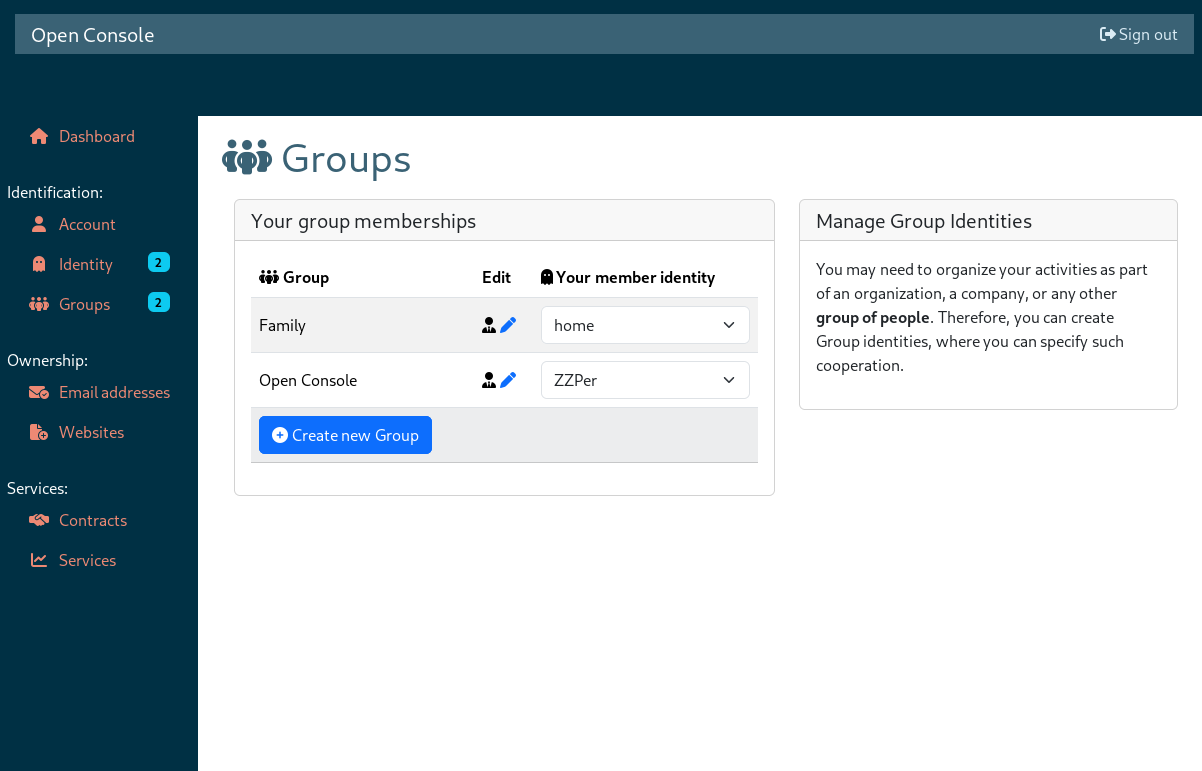
When you click on " Group" you will see in which groups you currently take part.
You can easily switch the identity configuration you use for a specific group. The other members of the group will not be informed about a change.
When you "Create a new Group", you will become the manager of the group. Some group configuration options are only available to the manager, for instance inviting new members.
When you create a group, you will be assigned the power of group manager. The manager can set various group information, invite and kick-out members, promote other members into manage power, and destroy the group.
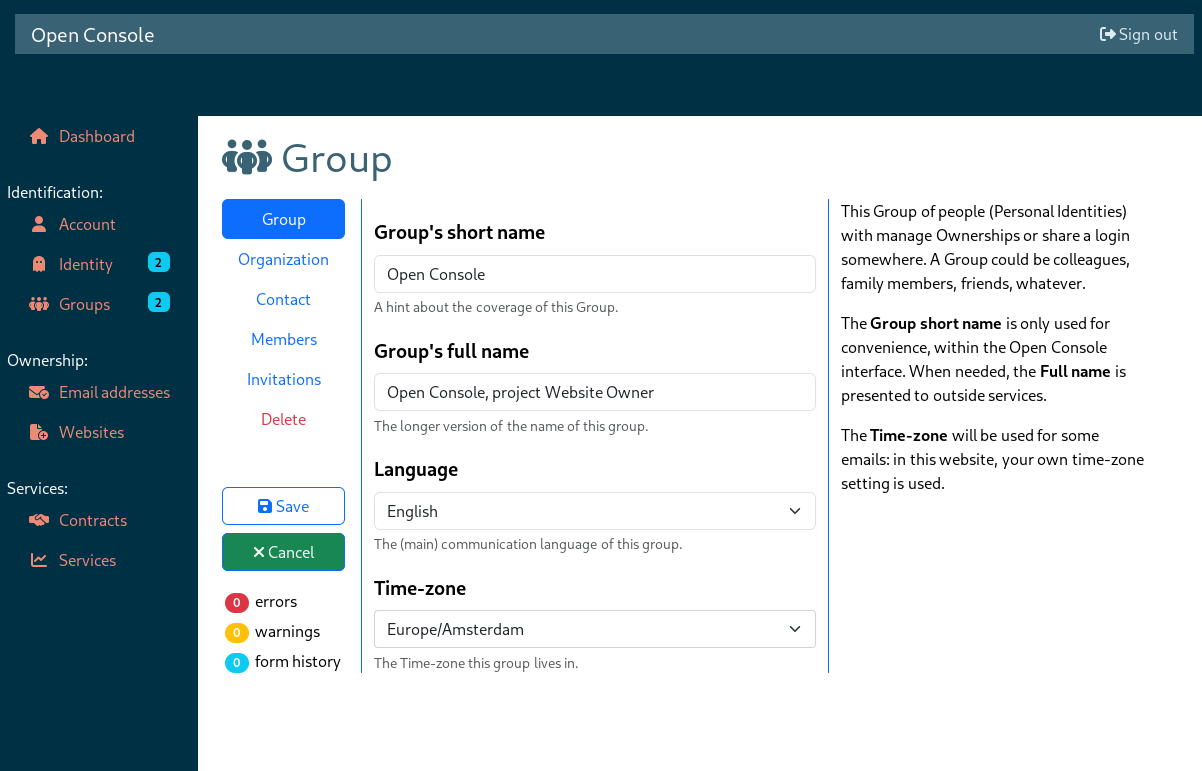
Groups can manage proofs and assets which where donated to them. Groups cannot collecting proofs directly.