Read the dashboard list documentation how to manage the service list.
Be aware that the images may look a bit different than actually presented on the real website, due to changes and your personal configuration.
When you click on " Contracts" you will see which contracts have already been created.
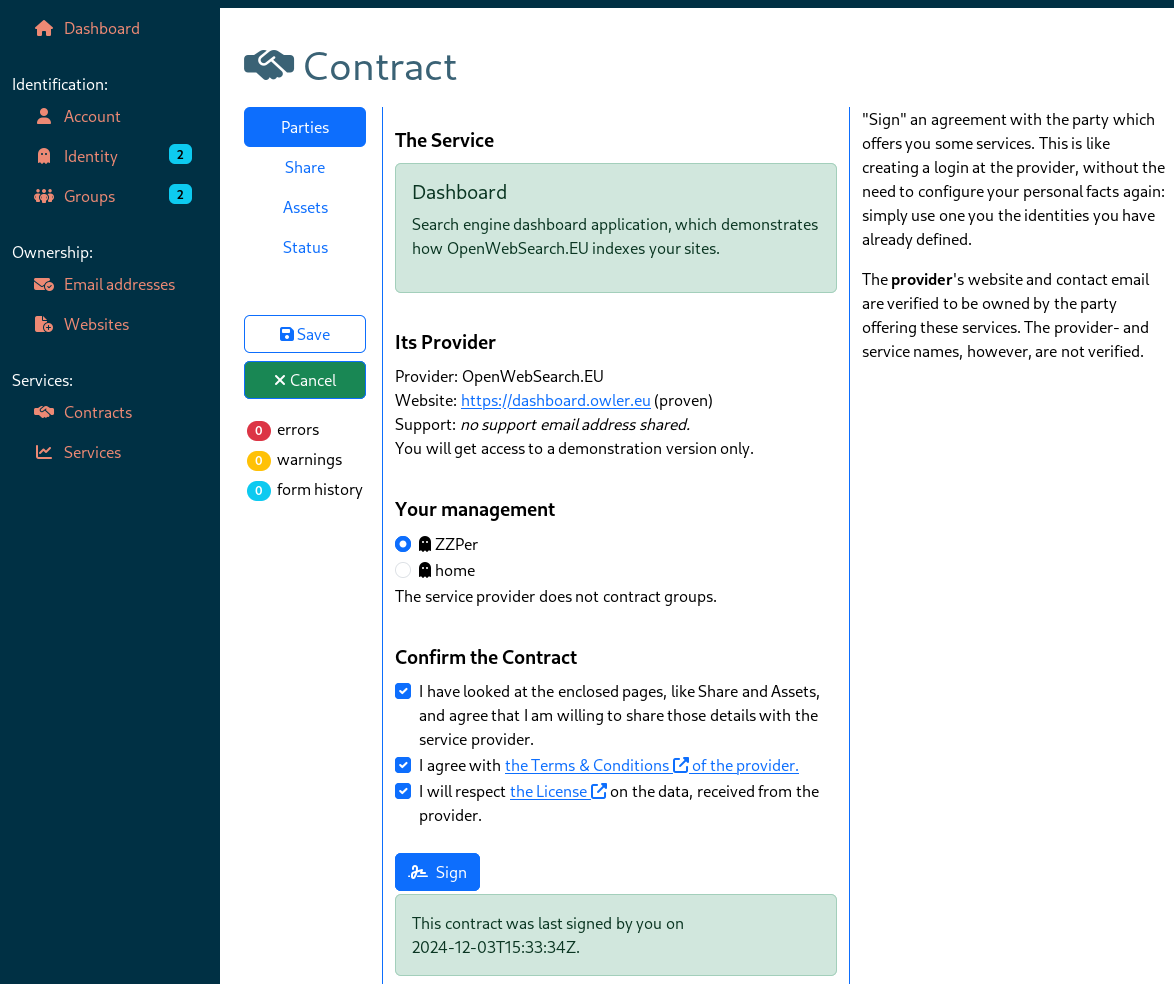
The most common way to start a contract, is by a redirection from the website which offers the service. When you did not followed that route before, Open Console will bring up this contract signing page.
The "Status" pages shows the actually use of the contract: when you accessed the service and which data you used to comply with the agreement.
You will also be brought back to this page when anything in the service definition has changed. For instance, the provider wants more facts or changed hist terms. In that case, you can inspect the changes and reconfirm your contract.
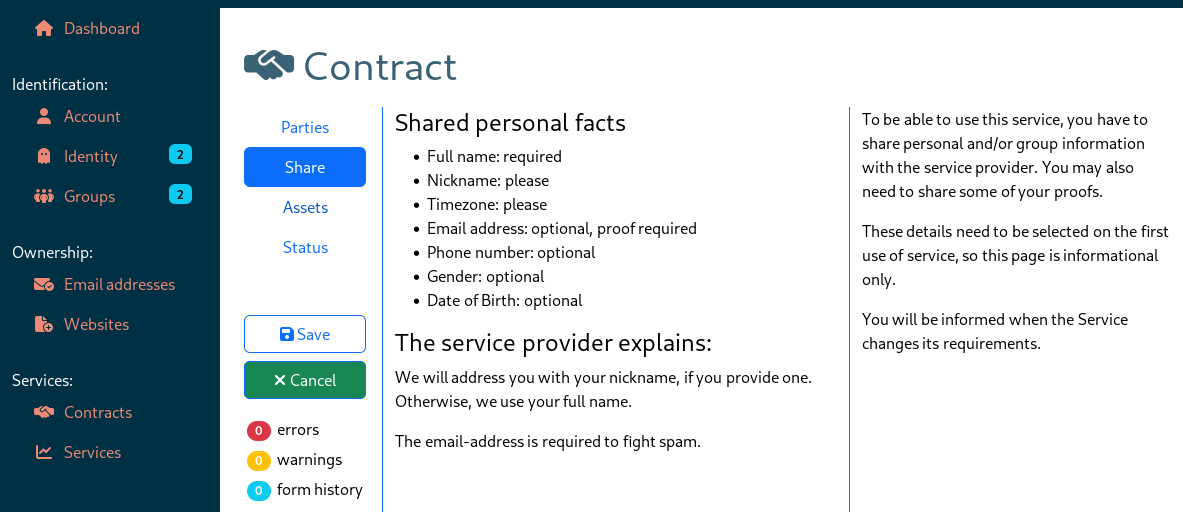
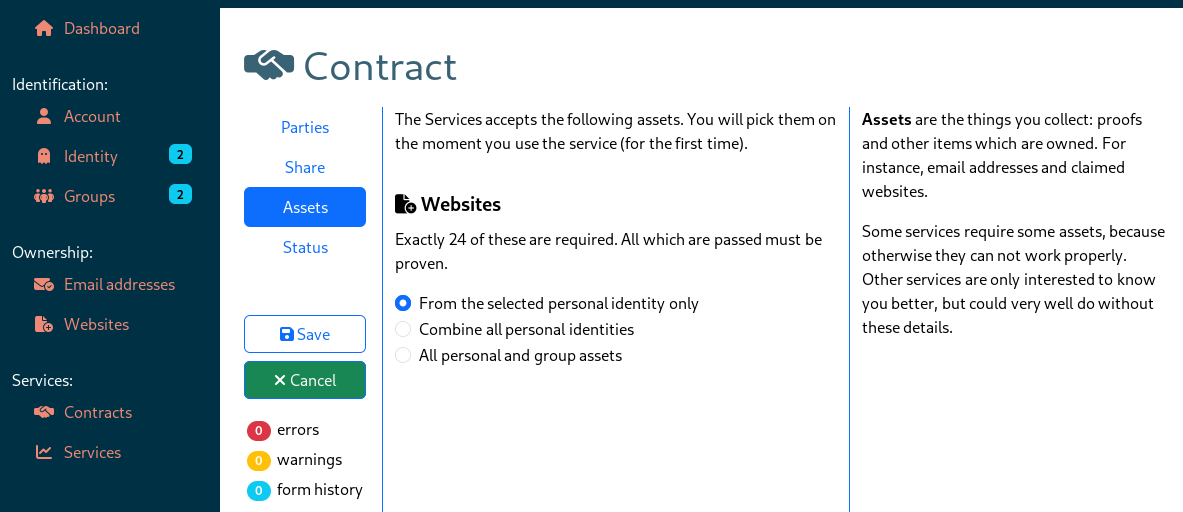
When you sign the deal with the service, you do not need to specify the requested data yet; this will be freshly collected on each use: each time you start using the service, you are asked to comply to the contract by providing actual data. But, when signing the contract, you can see what is needed: